OpenPGP (via GnuPG / GPG) is how briefs and handovers stay off the wire in cleartext. You encrypt to our inbound public key; only that private key opens it. We sign replies as sz-01 so you can verify the other end. This page is a practical setup guide — Kleopatra first, then Betterbird and the CLI.
// Note“PGP” here means the OpenPGP standard, not the old proprietary product. Tools: Gpg4win / Kleopatra (Windows), Betterbird (mail + OpenPGP), or gpg on macOS and Linux. We do not run encryption in the browser — your machine holds the keys.
What each end needs
// KEY MATERIAL · BOTH ENDS
YOUOpenPGP tool (Kleopatra, Betterbird, or gpg). Your key pair + passphrase. Our inbound public key imported and fingerprint-checked. Optional: your public key shared so we can encrypt replies.
US1nb0und private key decrypts inbound. sz-01 private key signs replies (never leaves our side). Your public key once you send it. Signed, encrypted replies to your address.
$ encrypt to 1nb0und · verify sz-01 · fingerprint before trust_
How the privacy barrier works
Asymmetric crypto: encrypt with the recipient’s public key; only their private key decrypts. Mail hops carry ciphertext. Compromise of the endpoint (malware, stolen private key plus passphrase) still bypasses the barrier — protect the machine and the passphrase.
01
What servers see
From, to, time, size, and ciphertext. Subject lines and headers are often plaintext — keep them bland. The brief itself is not readable on the wire.
02
What they cannot do
Decrypt your message without our inbound private key. There is no host master key and no account password that unlocks the content for the mail provider.
03
Trust the fingerprint
Encrypting to the wrong public key means the wrong party can read it. Always match the fingerprint against the .asc published on this site before you certify or send secrets.
04
Signed replies
Expect replies signed by sz-01. If the signature fails or the key does not match the published sz-01 fingerprint, treat the message as not from us.
Our public keys
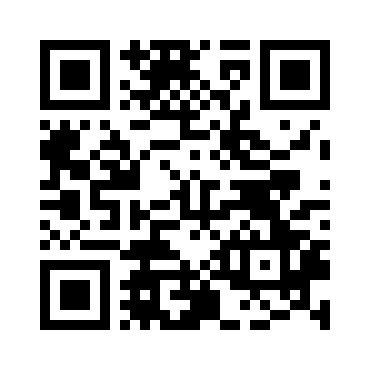
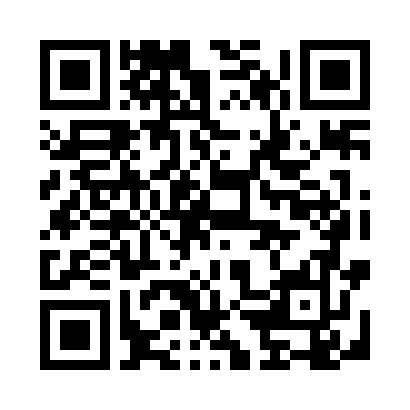
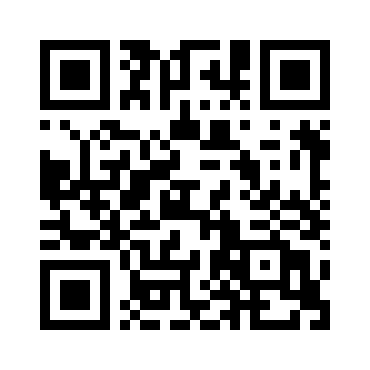
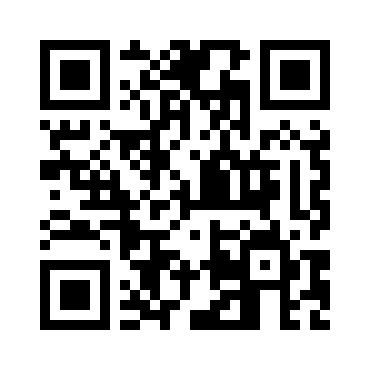
Two keys. Encrypt inbound mail to 1nb0und.z3r0. Verify signed replies from sz-01. Primary fingerprints and scan QRs below (verify against the files, not against a random paste elsewhere):
// ENCRYPT TO · 1nb0und.z3r0@s3ct0rz3r0.ioDownload .asc
// Fingerprint
FBE5 F1F8 9B46 938D 8FB6 CBE6 1DEC 7B55 0C35 6702
// Fingerprint · OPENPGP4FPR// Public key · .asc URL
Scan fingerprint in Kleopatra or OpenKeychain. Public-key QR opens the published .asc on this site.
Install Gpg4win and use Kleopatra as the GUI over GnuPG. Encrypt in the notepad, then paste ciphertext into mail. Prefer this over typing secrets in a browser first.
01Download Gpg4win from the official site (gpg4win.org). Install with Kleopatra selected. Open Kleopatra.
02File → New OpenPGP key pair. Use a working email (or a persona you will keep). Set a strong passphrase — it protects the private key at rest.
03Export your public key (right-click the certificate → Export). Keep the private key offline-backed up; never email or cloud-sync the private key file.
04Download our inbound key from /keys/1nb0und.z3r0.asc and the signing key from /keys/sz-01.asc. In Kleopatra: Import both. Compare each fingerprint to this page before you certify.
05Write the message in Kleopatra’s notepad — not in a webmail compose box first. Sign/Encrypt → encrypt to 1nb0und.z3r0 (and sign with your key if you want us to verify authenticity).
06Copy the ASCII-armored ciphertext. Paste it into a mail to 1nb0und.z3r0@s3ct0rz3r0.io. Attach your public key (.asc) on first contact so we can encrypt the reply.
07When we reply: paste the ciphertext into Kleopatra’s decrypt/verify pane (or Decrypt/Verify a saved .asc). Enter your passphrase. Confirm the signature is from sz-01.
Path B — Betterbird + Kleopatra
Generate and back up keys in Kleopatra, then import them into Betterbird. Encrypt and decrypt happen in Betterbird on send and receive — Kleopatra stays the key factory and backup store, not the clipboard step.
01Complete Path A through key generation and backup in Kleopatra (Gpg4win). Keep managing your key material there — backups, revocation, exports.
02In Kleopatra: export your public key and your secret key (or the full OpenPGP certificate backup). Also download and import our 1nb0und.z3r0.asc and sz-01.asc; compare both fingerprints to this page before you trust them.
03Install Betterbird from the official site (betterbird.eu). Add the mailbox you will use for contact.
04Account Settings → End-to-End Encryption → Add Key… → Import an existing OpenPGP key. Import the secret key you exported from Kleopatra. Set it as the personal key for that account. Protect Betterbird with a primary password.
05OpenPGP Key Manager → Import Public Key(s) From File for 1nb0und.z3r0 and sz-01. Verify fingerprints again, then accept / mark as verified.
06Compose to 1nb0und.z3r0@s3ct0rz3r0.io. Enable OpenPGP encrypt and sign. Betterbird encrypts on send using the imported keys. On first contact, attach or paste your public key so replies can be encrypted to you.
07Incoming mail decrypts and verifies on receive. Confirm the signature is from sz-01 before you treat the content as ours. If the signature fails, stop and re-check /keys/sz-01.asc.
Path C — Betterbird OpenPGP
Create the key pair inside Betterbird’s built-in OpenPGP (no Kleopatra). Use Path B instead if you already manage keys in Gpg4win / Kleopatra and want that as the source of truth.
01Install Betterbird from the official site. Add the mailbox you will use for contact.
02Account Settings → End-to-End Encryption → Add Key… → Create a new OpenPGP key (or import an existing one). Protect it with a passphrase / primary password.
03Download 1nb0und.z3r0.asc and sz-01.asc from Contact or this page. OpenPGP Key Manager → Import Public Key(s) From File. Verify both fingerprints against this page, then accept / mark as verified.
04Compose to 1nb0und.z3r0@s3ct0rz3r0.io. Enable OpenPGP encrypt (and sign). Betterbird should encrypt to the 1nb0und key that matches the address. Send. On first contact, attach or paste your public key so replies can be encrypted to you.
05Incoming signed mail from sz-01 should show a valid signature. If it does not, stop and check the key against /keys/sz-01.asc.
Path D — gpg CLI
macOS, Linux, or anyone who prefers the shell. Same OpenPGP math; fewer clicks.
01Install GnuPG (apt/dnf/brew or your distro package). Run: gpg --full-generate-key (or --quick-gen-key). Choose a modern curve (ed25519) or RSA 4096. Set a passphrase.
02Export your public key: gpg --armor --export you@example.com > my-pubkey.asc
03Import ours: gpg --import 1nb0und.z3r0.asc sz-01.asc then gpg --fingerprint 1nb0und.z3r0@s3ct0rz3r0.io and gpg --fingerprint sz-01@s3ct0rz3r0.io — compare both to this page.
04Encrypt a file or stdin: gpg --armor --encrypt --recipient 1nb0und.z3r0@s3ct0rz3r0.io brief.txt (produces brief.txt.asc). Optionally --sign with your key.
05Decrypt a reply: gpg --decrypt reply.asc. Verify the signature is from sz-01 with gpg --verify (or check the status lines from --decrypt).
Working with us
Encrypt every inbound mail to the 1nb0und public key. Plaintext is not accepted and is deleted unread.
No names, no NDA subjects, no operational detail in first contact.
State tier, surface and rough timeline. We reply with next steps over PGP.
Expect a signed reply from sz-01. Unsigned offers claiming to be us are not us.
Signal is for realtime only — nothing sensitive in cleartext there either.
What not to do
Send plaintext mail and expect a reply — unencrypted contact is deleted unread.
Type secrets into webmail or a browser, then encrypt afterward — encrypt in Kleopatra / Betterbird / gpg first, paste only ciphertext.
Import and trust a key without checking the fingerprint against the published .asc on this site.
Upload or sync your private key to cloud storage, email, or password managers that sync the key file itself.
Lose the only copy of your private key with no backup and no revocation certificate — you will not recover old ciphertext.
Treat a valid encryption as proof of identity — signing (and fingerprint match against sz-01) is what authenticates who sent it.
Treat this page as legal advice. It is operational hygiene for contacting us.
// Limits of the barrier
Metadata (addresses, timing, size) is still visible to mail operators. Content is the barrier.
Wrong public key = wrong decryptor. Fingerprint check is not optional for secrets.
Downloads and UI labels change. Verify installers from official sites and release hashes where published.
We are not your key escrow. Lost private keys mean lost ciphertext.